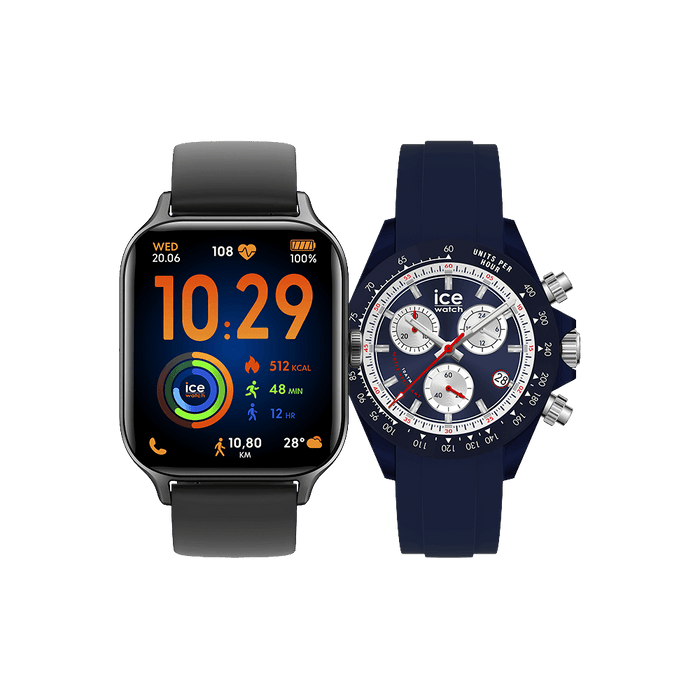
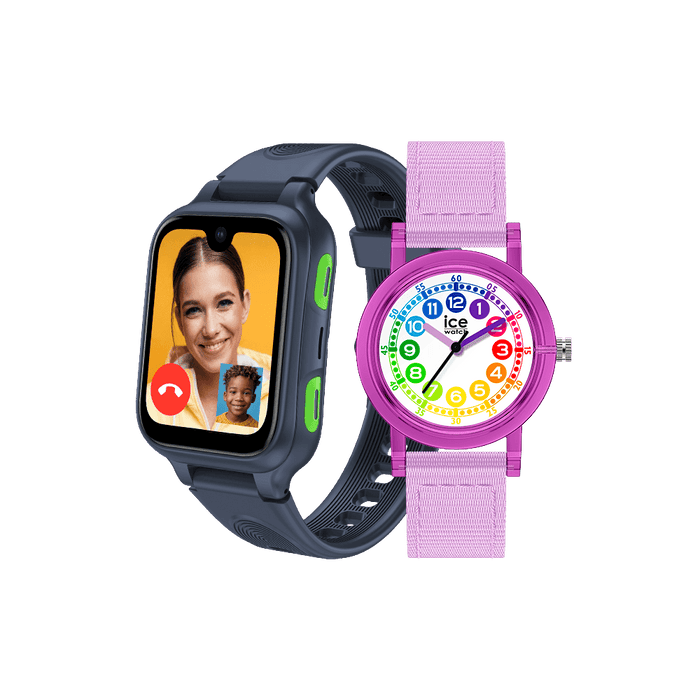



How to Disable Google’s Find Hub on Ice-Watch devices
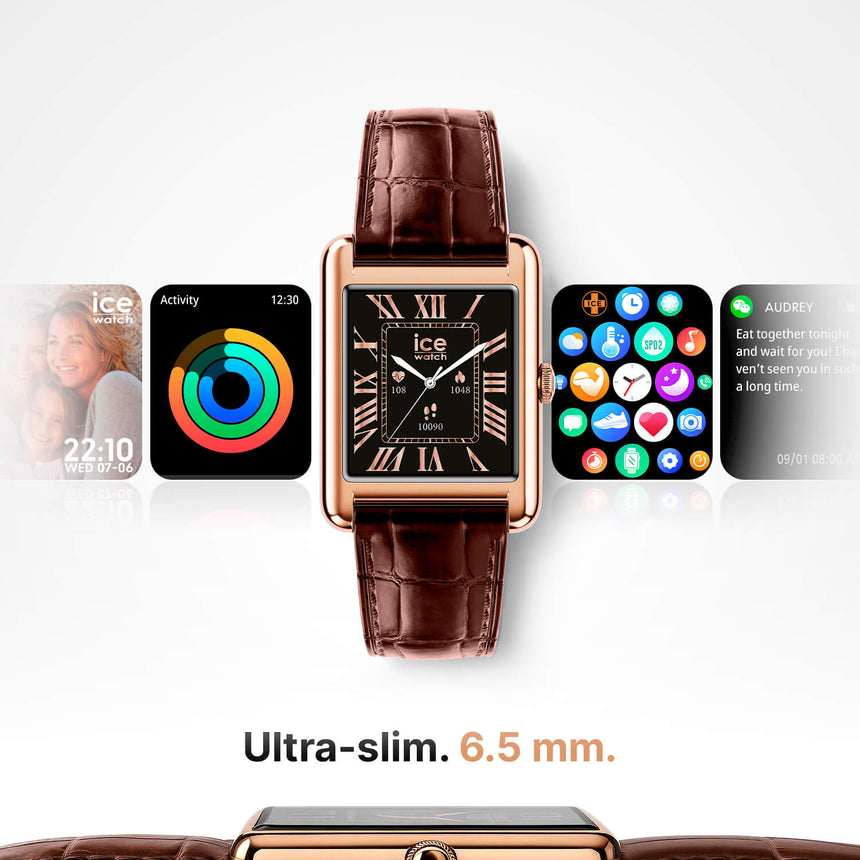
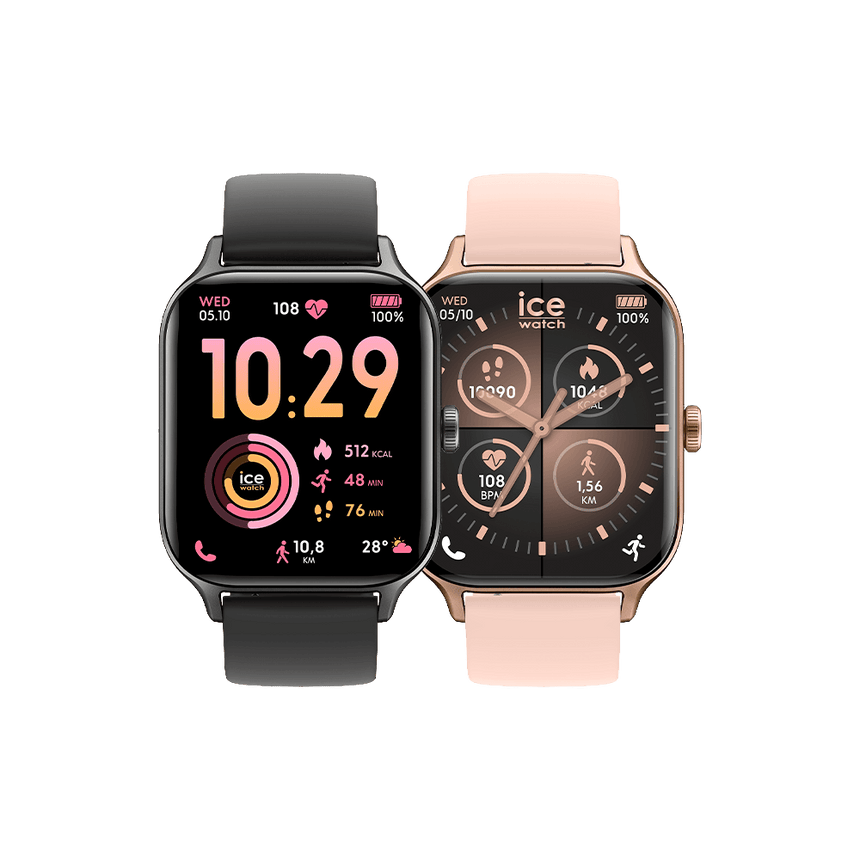
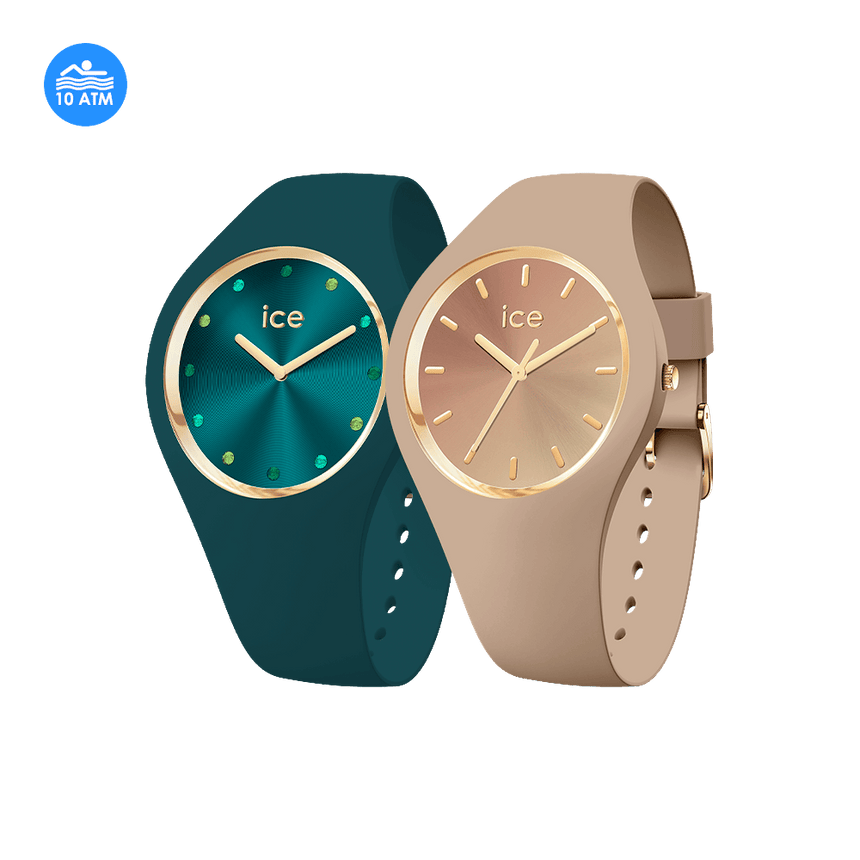
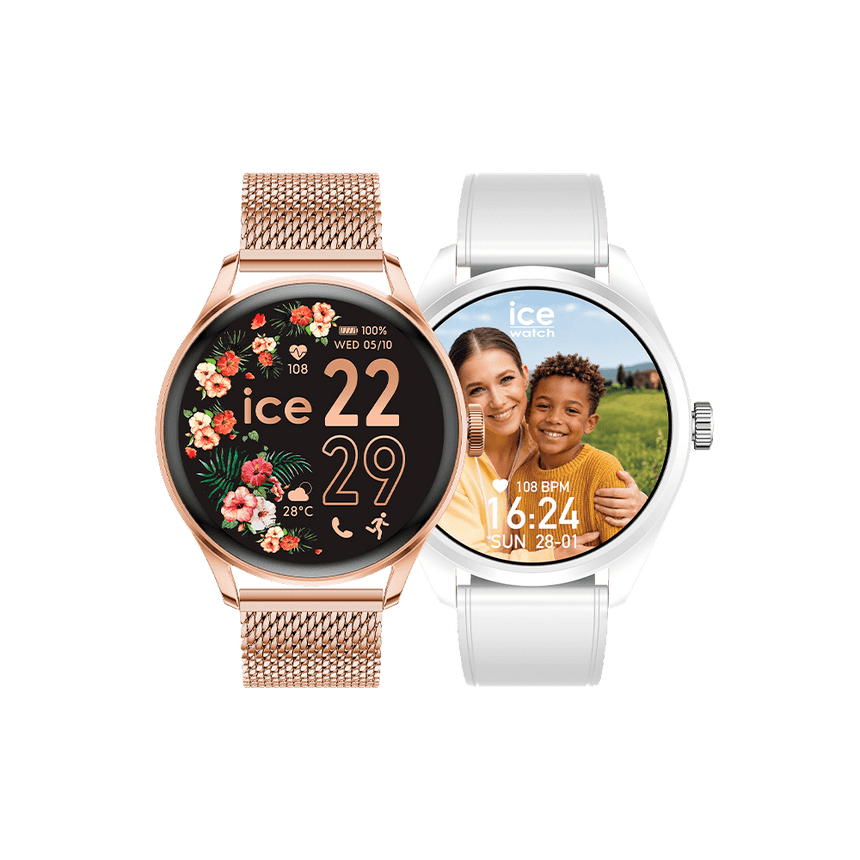
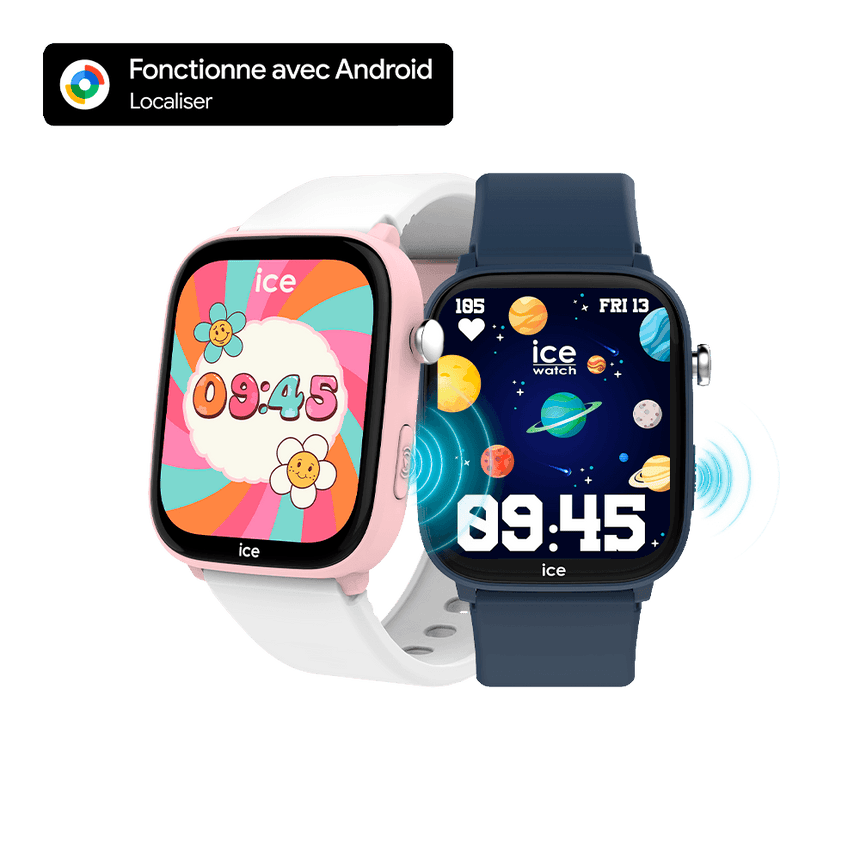
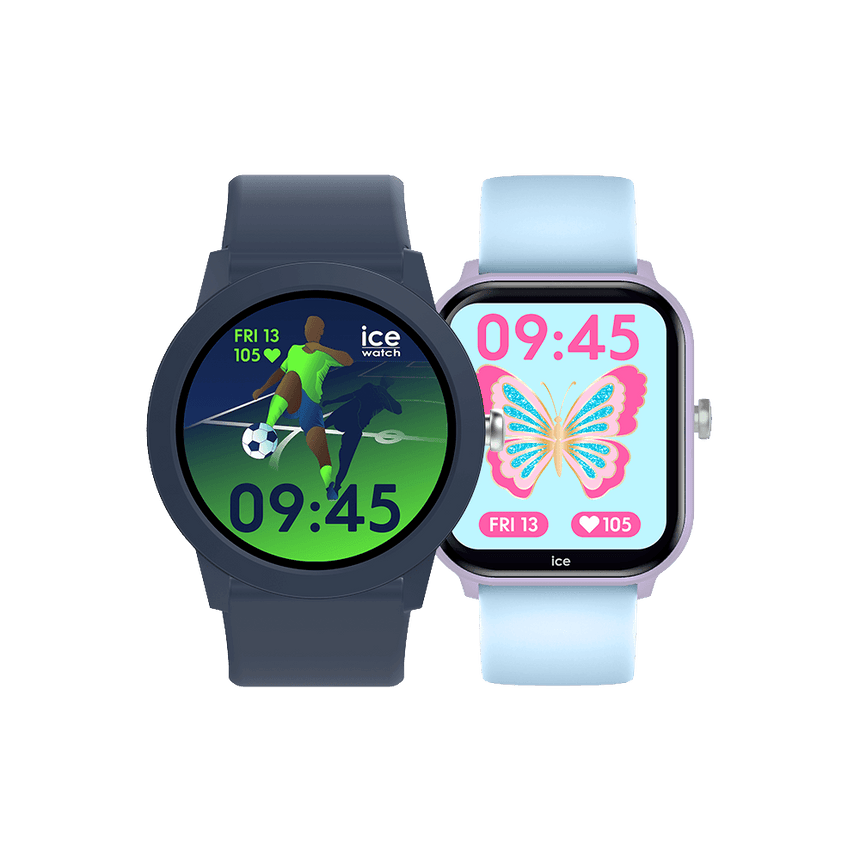
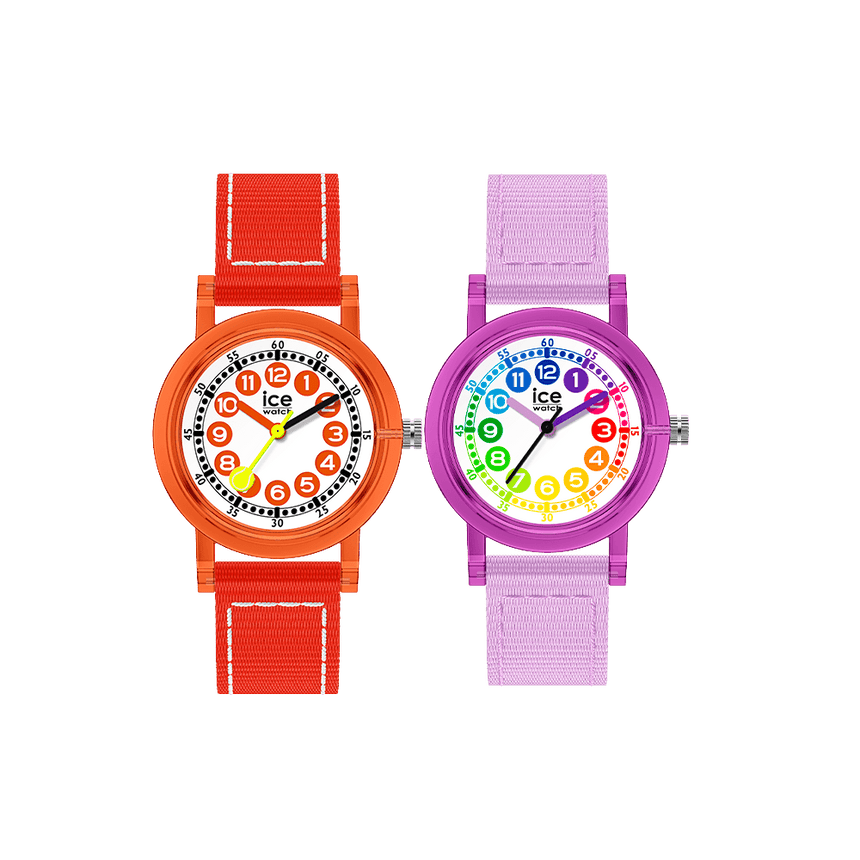
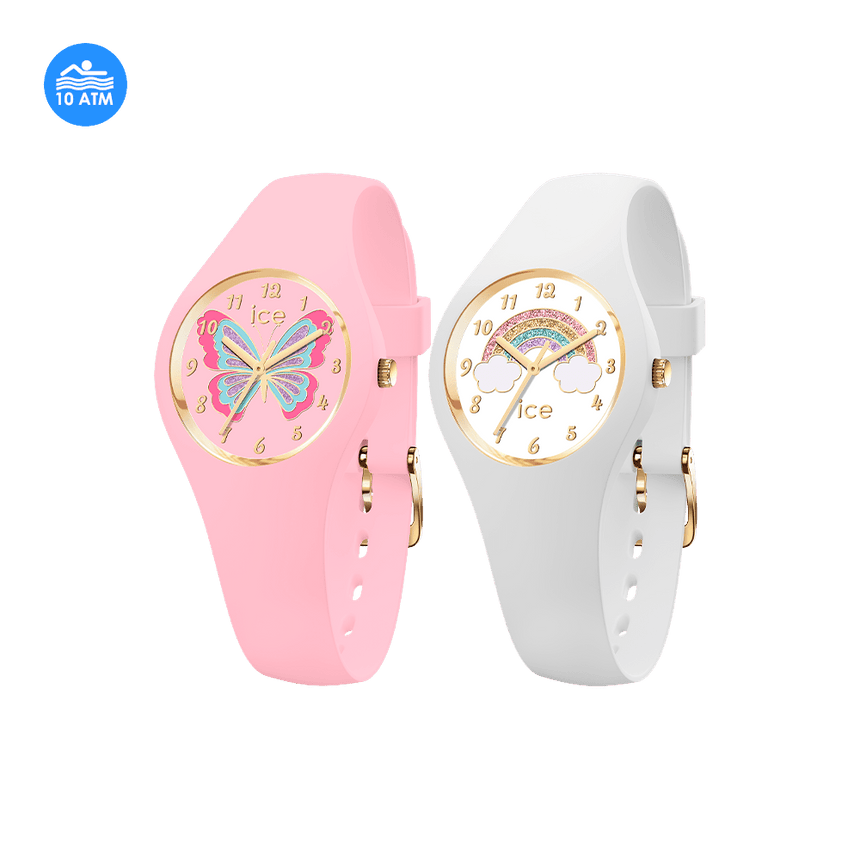
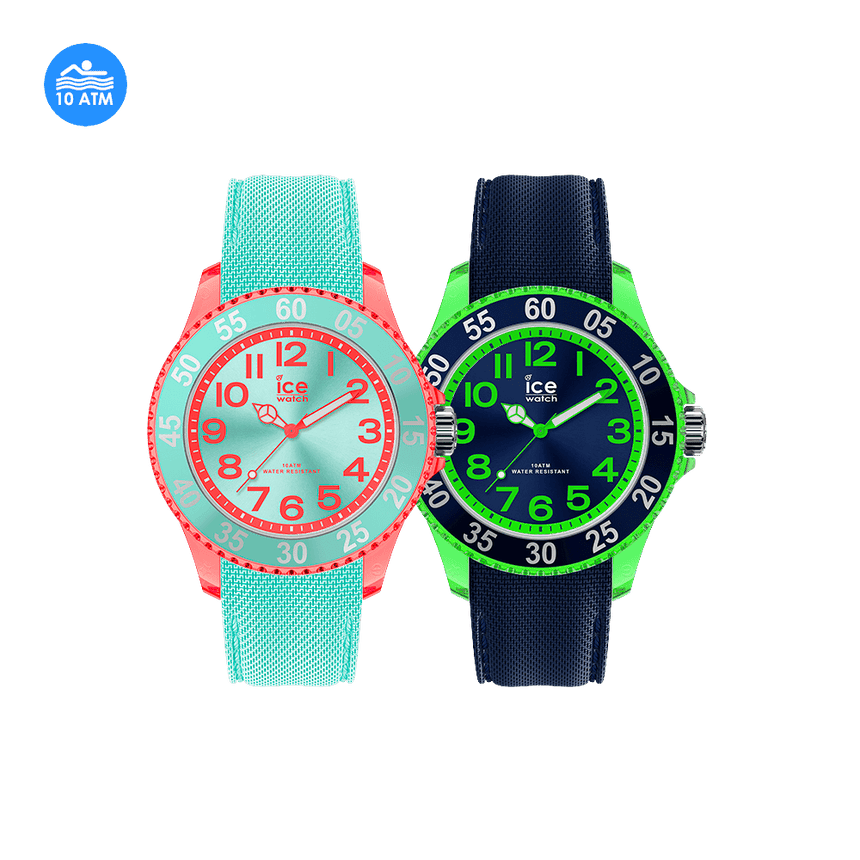
- ICE JUNIOR FH
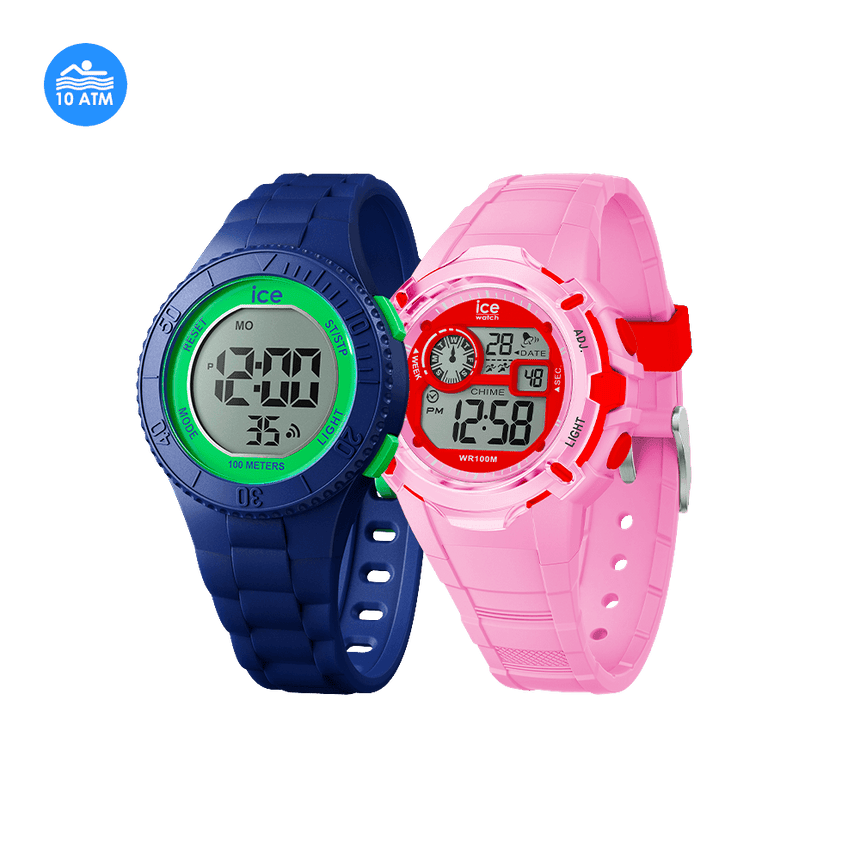
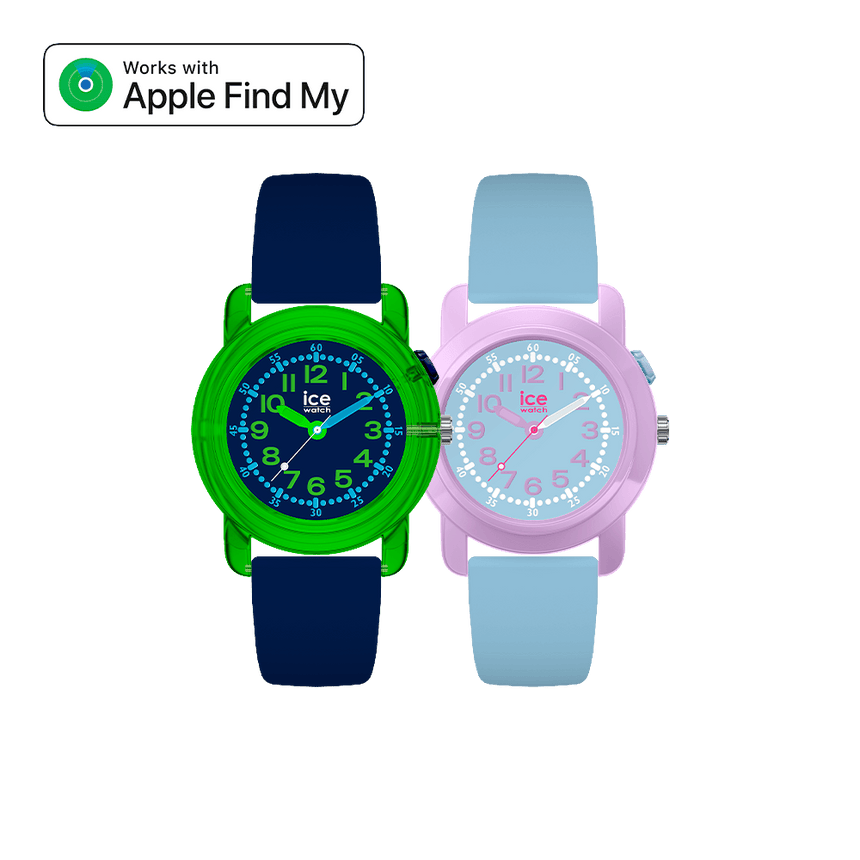
- ICE JUNIOR HYBRID
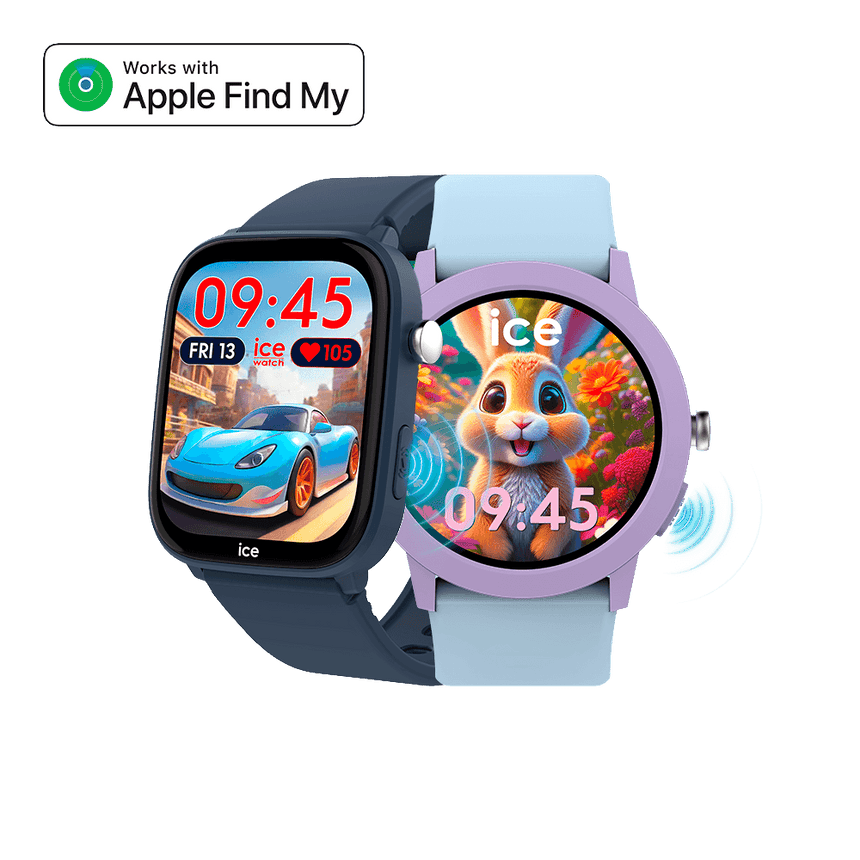
- ICE FIND
- ICE FIND DG
- ICE FIND SB
If you’ve received a notification on your Android device about an unfamiliar Ice-Watch nearby, you can make the watch ring by tapping the system notification. Once you’ve located the Ice-Watch, follow these steps to disable it.
To disable Ice-Watch:
Locate the ON/OFF button on the right side of your Ice-Watch. Quickly press the button five times. A confirmation chime will sound. When Ice-Watch is disabled, you will hear a confirmation sound. Your Ice-Watch is disabled. After disabling it, your Ice-Watch will be removed from Google’s Find Hub network, preventing the owner from receiving location updates for this device. Additionally, you will no longer receive alerts related to this Ice-Watch.
To enable identification:
Locate the ON/OFF button on the right side of your Ice-Watch. Quickly press the button six times. Six confirmation beeps will sound.